6.2 Feishu channel guide
5 min readWhat Feishu channels do
Use a Feishu channel to bring Marcto into team groups. After connection, the team can mention the bot in Feishu and receive automation results, approval reminders, and operations summaries in the same group.
Good first groups:
- Operations digest: ad anomalies, inventory risks, order alerts.
- Project collaboration: launch progress, campaign risks, deliverable reminders.
- Content collaboration: topics, copy drafts, publishing reminders.
Start with a test group
Do not connect a production group first. Create a test group and confirm that the bot receives messages, replies normally, and uses the right default role.
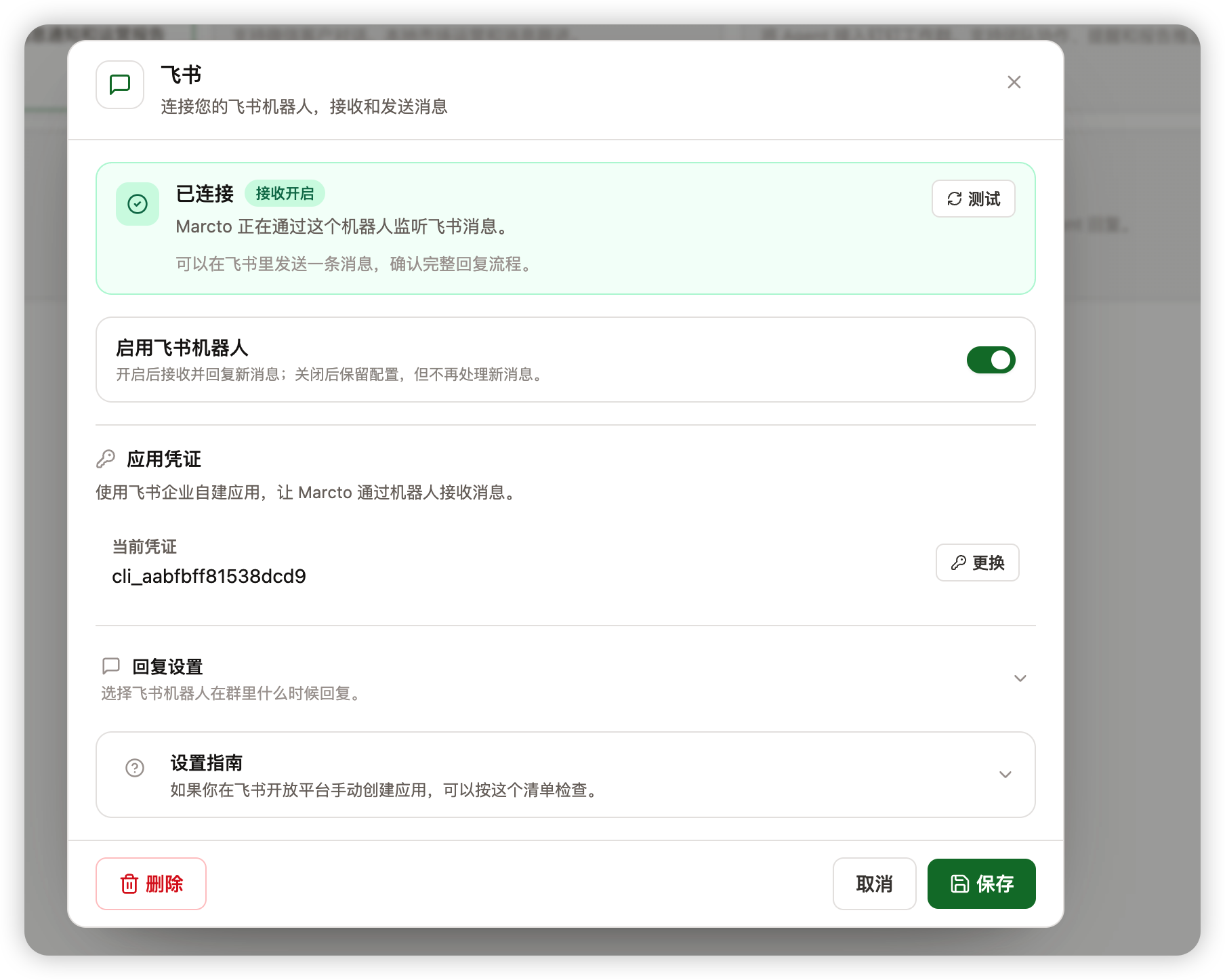
For the first test, use mention-only replies so the bot responds only when the team explicitly calls it.
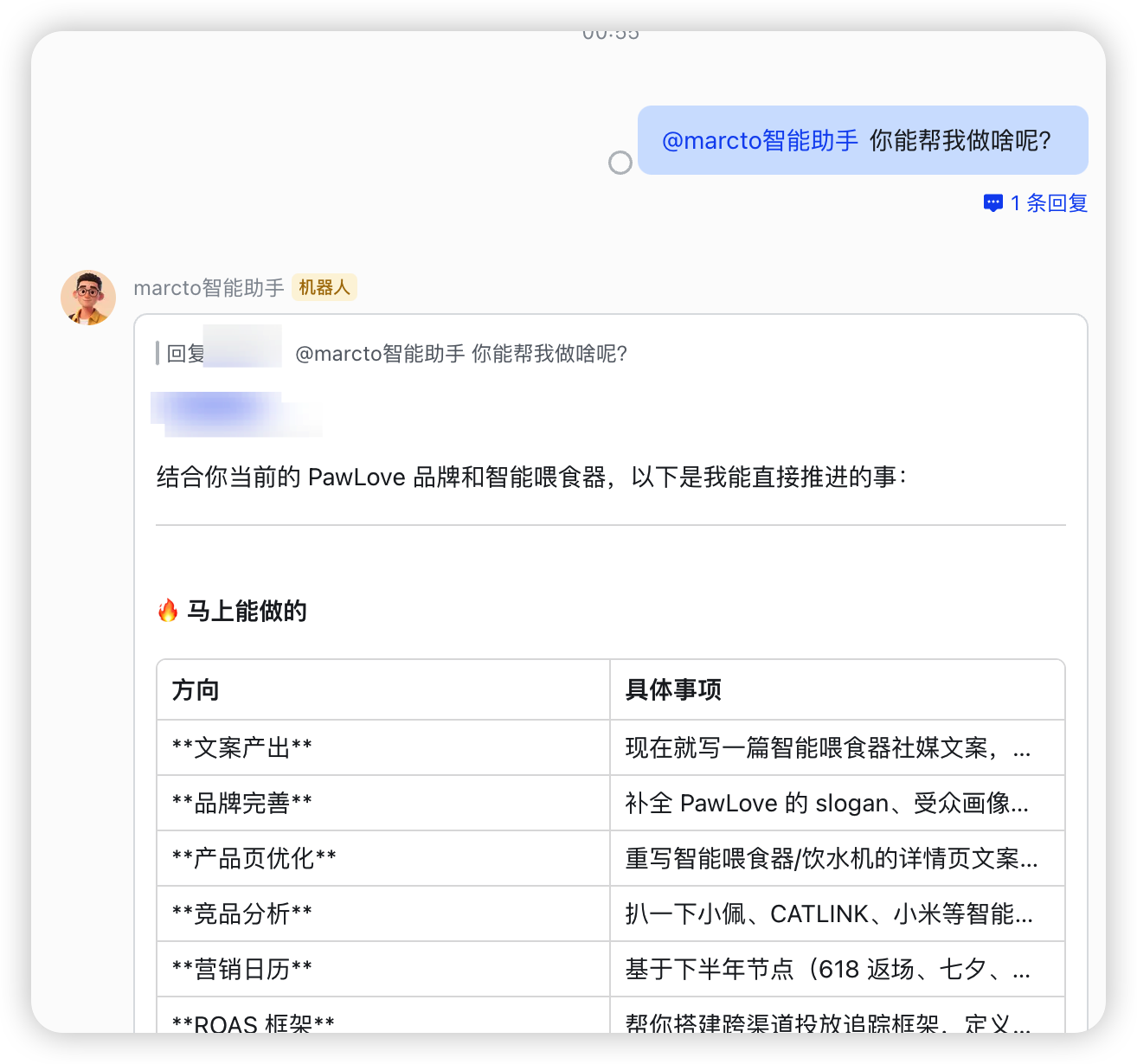
Send automation results to Feishu
When creating automation from the web app, set Run result to Send to channel, then choose a Feishu group that has already talked to the bot. Marcto sends successful task results to that group.
Start with low-risk deliveries:
- Daily ad anomaly summaries.
- Weekly content plans.
- Project progress reminders.
- Drafts that need human confirmation.
For customer messages, publishing, pricing, or store-page changes, let Marcto draft first and keep a human confirmation step.
If Feishu does not reply
Check these first:
- The channel is enabled.
- The Feishu app or bot is in the group.
- Event subscription and message permissions are enabled.
- The channel has an available role and model.
If automation does not send to the group, confirm that the group has mentioned the bot at least once and that the automation selected the correct delivery target.