3.4 Use skills
6 min readThe easiest way to start
The first time you use a skill, write the skill name directly in your message.
Example:
Please use the "Competitor analysis" skill to analyze these three competitors' positioning, pricing, core benefits, and content strategy.
Summarize the differences in a table and suggest three opportunities we can test.
This helps the AI follow the selected workflow instead of treating the request as normal chat.
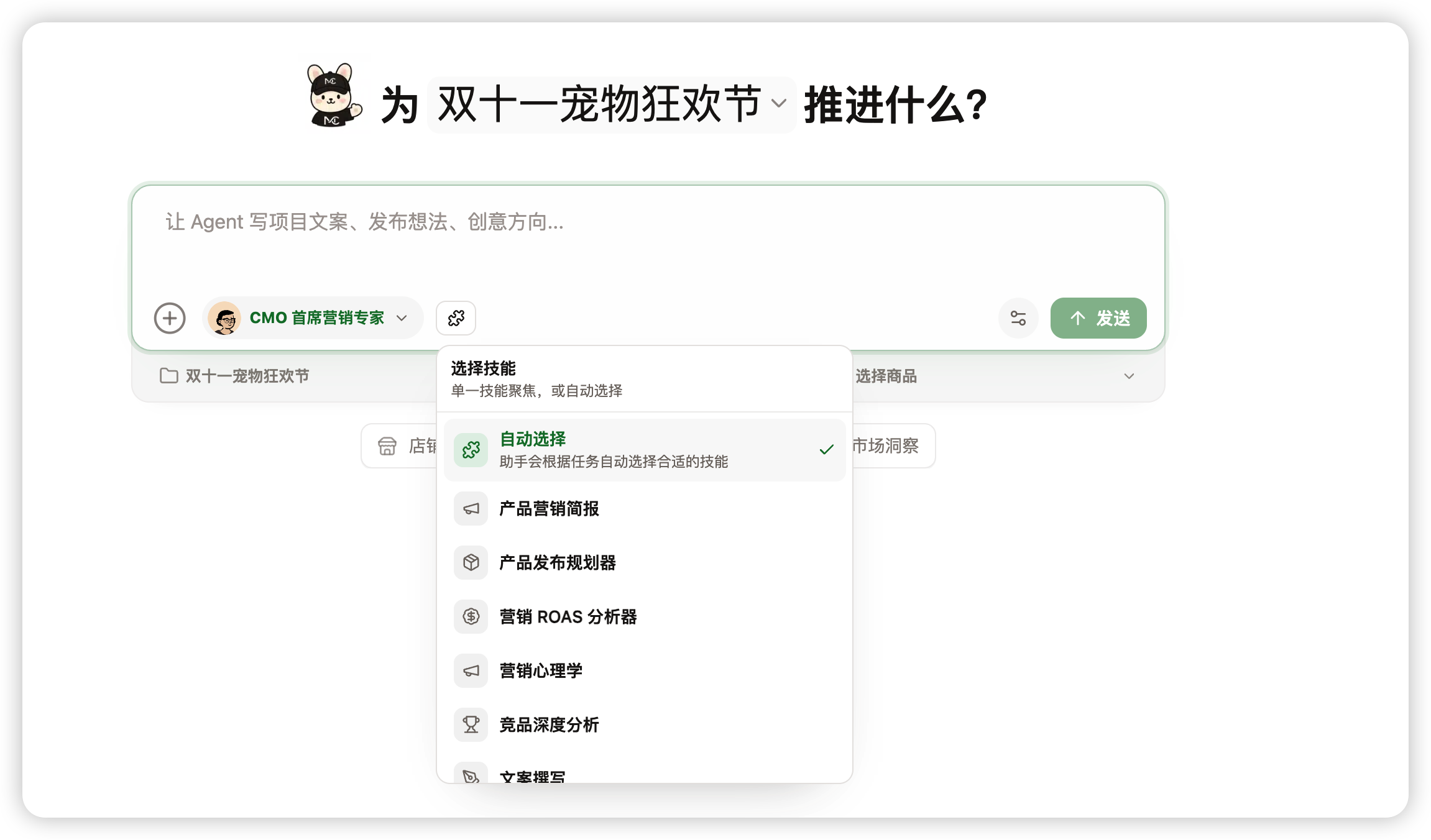
Include four things in your request
To get a useful result, include:
- Task: what you want the AI to complete.
- Object: brand, product, project, channel, or competitors.
- Materials: links, files, past copy, data, or assets.
- Result: table, checklist, plan, draft, or report.
You can use this template:
Please use the "skill name" skill. Based on "material/object", complete "task".
Output as "format", focusing on "constraints or review standards".
Use skills inside projects
If the task belongs to a project, use the skill from the project page. The project assistant already has project goals, brand, product, assets, and history, so results usually fit the real business better.
Good project tasks include:
- Create a launch plan for a new-product project.
- Review ad copy and asset risk.
- Generate social content based on project goals.
- Turn project results into a review report.
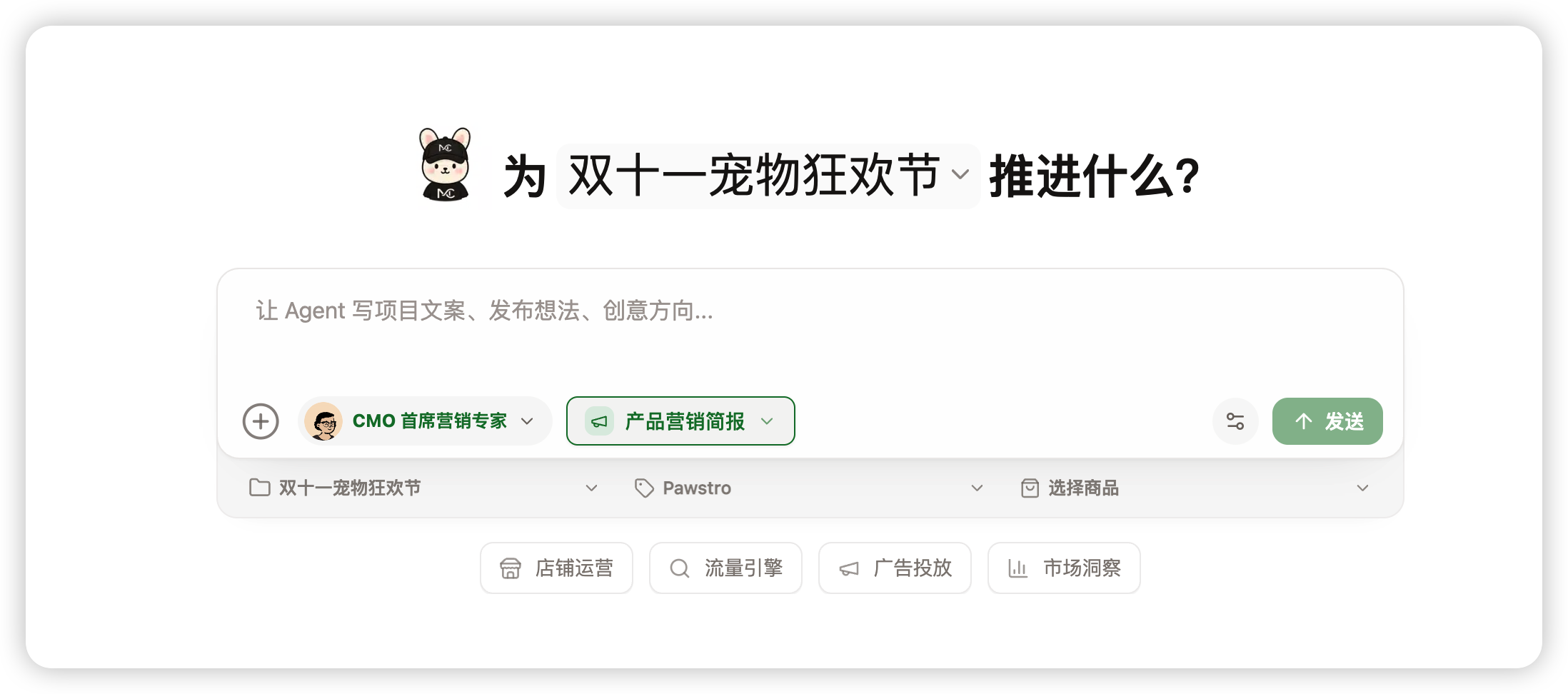
If you are not sure a skill triggered
If you did not name a skill, the AI may choose one from context. Ask it to confirm first:
If this task fits an installed skill, tell me which skill you will use and which steps you will follow.
If the AI did not choose a skill but you want it to, add:
Please redo this with the "skill name" skill.
Split complex work into stages
Do not ask multiple skills to do everything at once. Split complex work.
For a product launch:
- Use a research skill to evaluate audience and competitor opportunities.
- Use a PDP optimization skill to organize benefits and page structure.
- Use a social content skill to generate launch content.
- Use a compliance review skill before publishing.
- Use a review skill after launch to summarize results.
Review each result before moving to the next stage.
If the result is not good enough
If the output is too generic, add business context:
Please regenerate this using the brand positioning and target audience. Reduce generic suggestions.
If the format is wrong, specify the deliverable:
Please turn this into a table with columns: issue, impact, recommendation, priority.
If the AI did not follow the skill workflow, restart:
Please redo this using the "skill name" skill. List the steps first, then produce the result.
Check whether the skill was used well
When a skill is used well, you usually see:
- The AI breaks down the task or explains steps first.
- The output structure is stable, not scattered advice.
- The answer uses your brand, product, project, or file context.
- Uncertain information is marked as assumptions or missing input.
- The answer ends with next actions or an executable checklist.
If none of these appear, return to Skills and confirm the skill is installed to the current role.